ShareablesShareables
Get started in under 5 minutes

Google SheetsGoogle Sheets Website Widgets

Transform your Google Sheets into beautiful, embeddable widgets for any website. No coding required.

From Google Sheets to your website in minutes

Connect your spreadsheet in seconds. We'll automatically detect your columns and let you map them to your widget.

One-Click Connection

Authorize once with your Google account and access all your spreadsheets. No API keys required.

Automatic Column Detection

We read your header row and let you map columns to widget fields with a visual editor.

Secure Access

We only read the data you choose to display. Your private spreadsheets stay private.

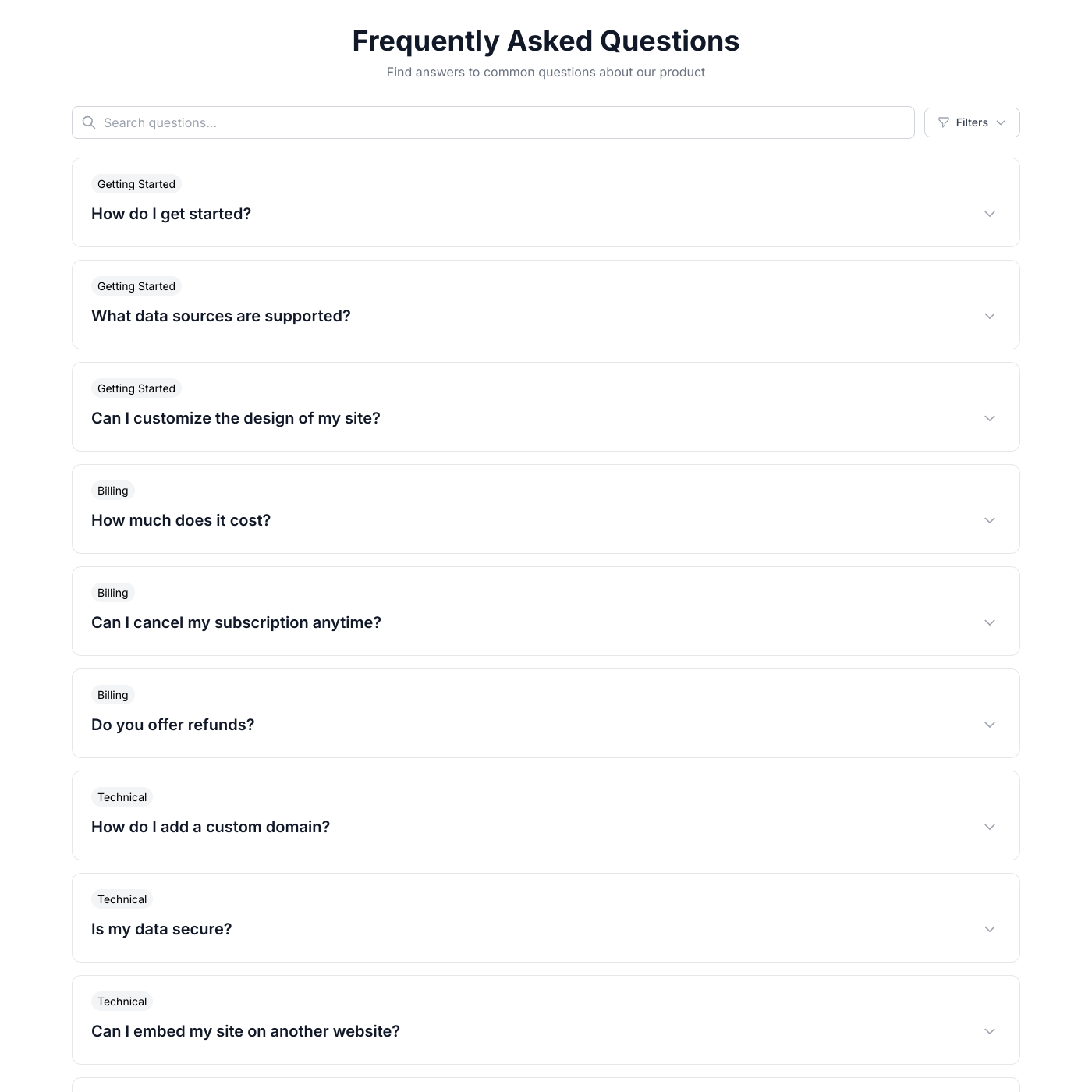
Google Sheets FAQ

Google Sheets is the spreadsheet you already know and love: • Familiar Interface - No learning curve. If you can use a spreadsheet, you can manage your website content. • Free & Accessible - Google Sheets is free and works in any browser. Update your website content from anywhere. • Real-Time Collaboration - Multiple team members can edit simultaneously. See changes from colleagues instantly. • Formulas & Automation - Use Google Sheets formulas to calculate prices, format dates, or automate content updates.

Simply click "Connect Google Sheets" and authorize access with your Google account. You'll be able to select which spreadsheet and sheet tab to use. We'll automatically detect your columns and let you map them to your widget.

No! We use OAuth authentication to securely access your spreadsheets. Your sheets can remain private—we only read the data you choose to display.

We use your first row as headers and read all columns. You choose which columns to display in your widget through our visual mapper.

Each widget connects to one sheet tab. You can select which tab to use when setting up your widget. Create multiple widgets if you need to display data from different tabs.

Your widget syncs with Google Sheets every few minutes. Changes you make in the spreadsheet appear on your website automatically.

Yes! Formulas work perfectly. We read the calculated values, so you can use formulas for pricing, dates, conditional text, and more.

New rows appear on your widget automatically on the next sync. Deleted rows are removed. No manual updates needed.

Yes! Add a column like "Published" with values like "Yes" or "No", then use widget filtering to only show rows where Published = Yes.

Yes. Add a column with image URLs (direct links ending in .jpg, .png, etc.) and map it to an image field in your widget.

Turn your spreadsheet into a website widget

Connect your Google Sheets and create a beautiful widget in minutes. No credit card required.