
Add Pricing Tables to any website
 Airtable
 Google Sheets
Create beautiful, fully customizable pricing comparisons powered by your Airtable or Google Sheets data. Embed anywhere in minutes.
Works with all website builders, e-commerce platforms, and websites.
 Weebly
 UnbounceBigCommerceMagentoJoomlaDrupalHubSpotWooCommerceGhostBloggerGoDaddy
 CarrdHTML
Create your Pricing Comparison Widget
Configure your widget and add it to your website for free!
Why teams love the Pricing Comparison Widget
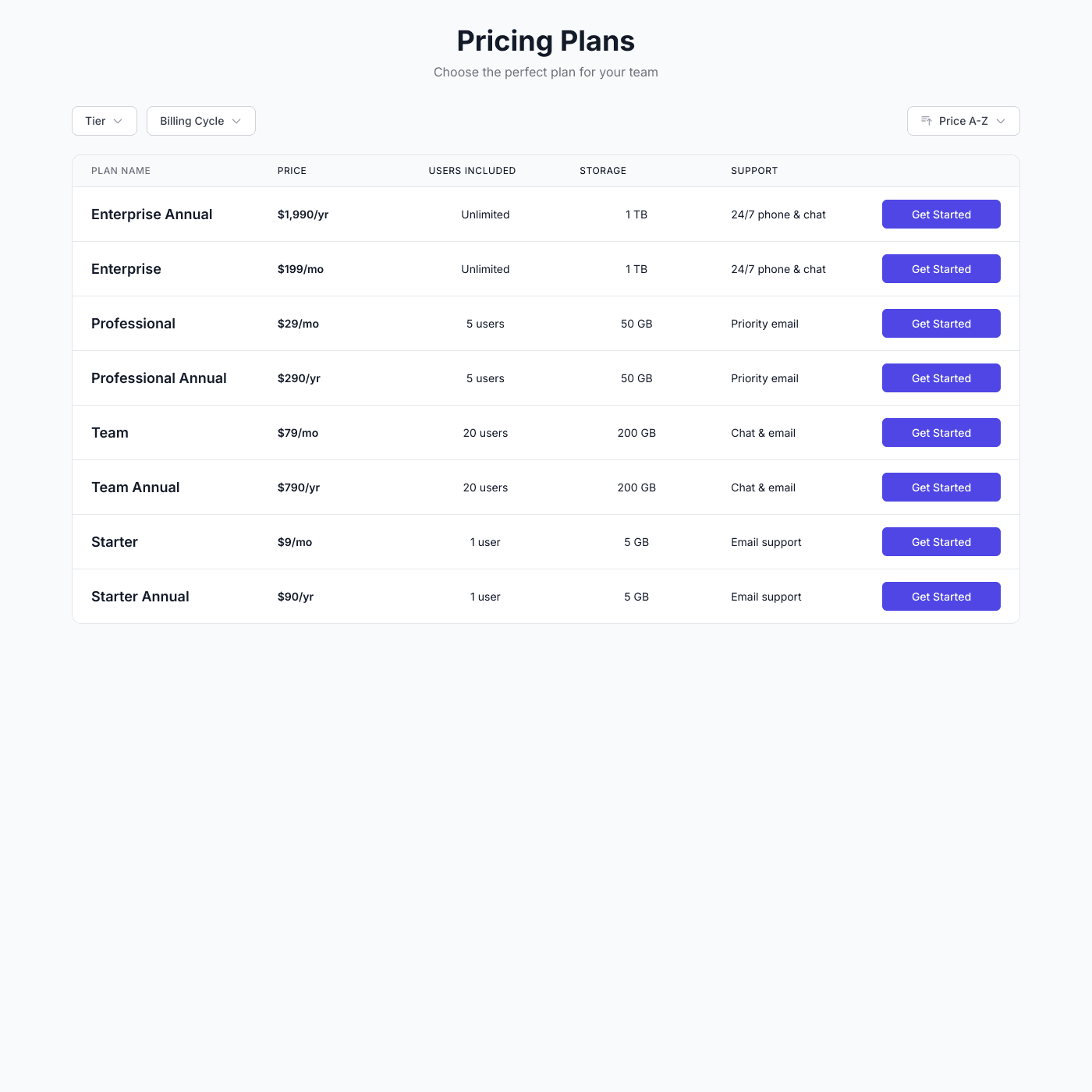
Help customers choose with clear, compelling pricing.
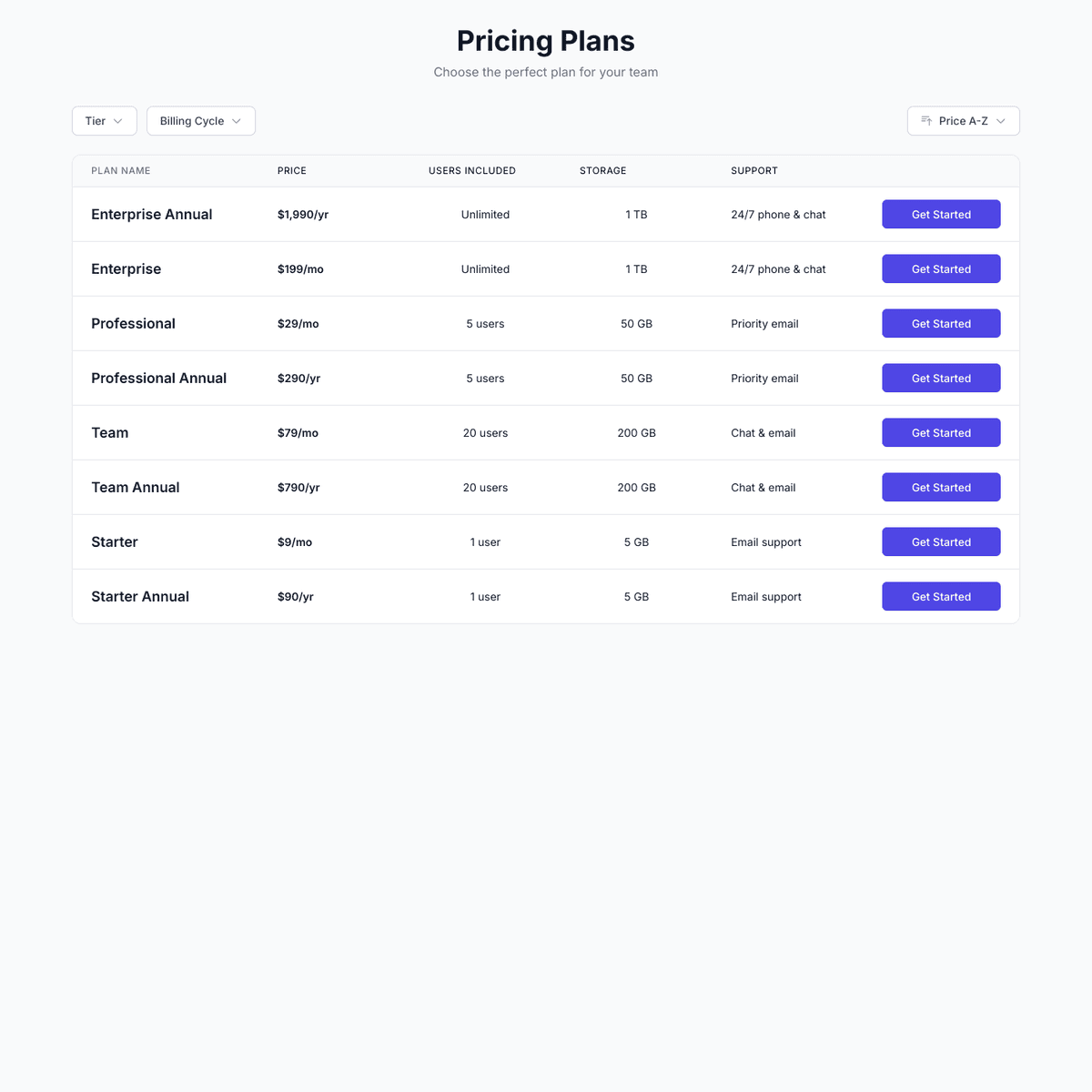
Use Airtable or Google Sheets for Your Pricing
No need to edit code every time you change pricing. Simply connect your Airtable base or Google Sheet and your pricing table is ready. Update prices, add features, or launch new plans from the spreadsheet you already know.
AirtableGoogle Sheets
“Shareables was the missing link between Airtable and our website.”
Casey
Nexus
Professional Pricing Displays
Display plans side-by-side with features, pricing, and call-to-action buttons. Highlight popular plans, show feature checkmarks, and let customers toggle between monthly and yearly billing.
Match Your Brand Perfectly
Fully customizable design options let you match your brand with custom fonts, colors, and styling. Choose from cards, tables, or toggle layouts to display your pricing exactly how you want.

“Setup was quick and it's been solid since.”
Jono
Impact Conversion
Easy Pricing Management
Update your spreadsheet and changes appear instantly. Adjust prices, add features, or launch promotions—no developer needed. Perfect for teams who need to iterate on pricing quickly.
Embed on Any Website
Works with any website builder including Webflow, Squarespace, WordPress, Wix, and more. Link directly to Stripe, Paddle, or any checkout system. Looks great on any device.
Frequently Asked Questions
A pricing comparison widget is an embeddable component that displays your pricing plans, features, and comparison tables directly on any website. It pulls data from your spreadsheet, making it easy to update pricing without touching code.
Spreadsheets make pricing updates instant and simple. Change a price, add a feature, or launch a new plan—all without developer help. Perfect for A/B testing different pricing structures.
Simply connect your Airtable or Google Sheets with your pricing data, customize the design, and copy the embed code. The whole process takes about 10 minutes.
Yes! Add both monthly and yearly prices to your spreadsheet, and visitors can toggle between them.
No coding required. Our visual editor lets you customize everything without writing any code.
Our pricing widget works with any website that supports embed codes, including Webflow, Squarespace, WordPress, Wix, Notion, Framer, and custom HTML sites.
Yes! Mark any plan as "popular" or "recommended" and it gets highlighted with badges and special styling.
Simply add new rows to your spreadsheet for each feature. The comparison table updates automatically.
Yes! Add checkout URLs for each plan and the CTA buttons link directly to Stripe, Paddle, or any checkout system.
Absolutely! Display specific limits, unlimited badges, or any custom text for each feature and plan.
Yes, you can get started for free with our free tier. Upgrade to remove branding and unlock advanced features.
All plans support unlimited pricing tiers. Display as many plans as you need.
Yes! Add discount columns to show original prices, savings percentages, or promotional pricing.
Yes! The pricing information is rendered with proper HTML structure for search engine visibility.
Yes, customize button text, colors, and links for each plan.
Yes! Add a "Contact Us" plan with custom messaging for enterprise customers.
More Widgets
Blog Widget
Create a beautiful, fully customizable blog widget powered by your Airtable or Google Sheets data. Embed anywhere in minutes.
Products Widget
Create a beautiful, fully customizable product display powered by your Airtable or Google Sheets data. Embed anywhere in minutes.
T-Shirt Shop Widget
Create a beautiful, fully customizable apparel shop powered by your Airtable or Google Sheets data. Embed anywhere in minutes.