
Card Widget Features
Discover what makes our card widget powerful and easy to use for your website.
Why teams love Card Widget
Everything you need to create a professional widget powered by your spreadsheet data.
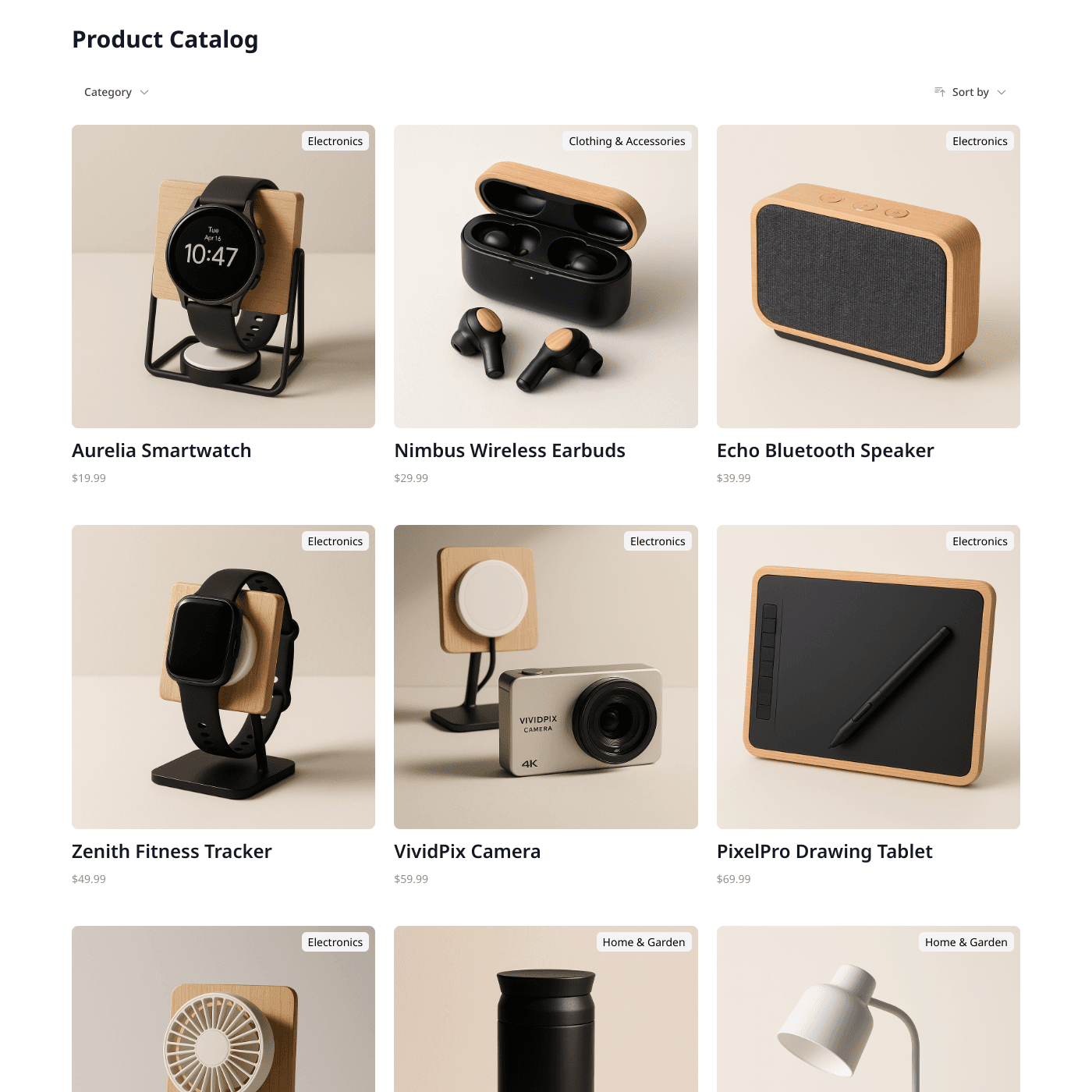
Use Airtable or Google Sheets for Your Cards
No complex CMS needed. Simply connect your Airtable base or Google Sheet and your card layout is ready. Add items, update content, or rearrange cards from the spreadsheet you already know.
Display Content in Stunning Cards
Display images, titles, descriptions, and custom fields in beautiful card layouts. Perfect for portfolios, products, team members, features, or any collection of items you want to showcase.
Match Your Brand Perfectly
Fully customizable design options let you match your brand with custom fonts, colors, and card styles. Choose column counts, card sizes, hover effects, and spacing to create the perfect look.
Easy Content Management
Update your spreadsheet and changes appear instantly. Add new cards, update images, or reorganize content—no republishing needed. Multiple team members can collaborate on content.
Embed on Any Website
Works with any website builder including Webflow, Squarespace, WordPress, Wix, and more. Built-in search and filtering help visitors find exactly what they are looking for.
Real-time Data Sync
Your card widget stays perfectly in sync with your data source. Update your Airtable or Google Sheets and see changes reflected instantly on your website.
- Automatic sync every few seconds
- No manual republishing required
- Works with Airtable and Google Sheets
Live sync illustration
Feature FAQs
Yes! Customize card size, border radius, shadows, hover effects, and all styling to match your brand.