
Job Board Widget Features
Discover what makes our job board widget powerful and easy to use for your website.
Why teams love Job Board Widget
Everything you need to create a professional widget powered by your spreadsheet data.
Use Airtable or Google Sheets for Your Jobs
No expensive ATS or job board software needed. Simply connect your Airtable base or Google Sheet and your job board is ready. Post new jobs, update listings, or close positions from the spreadsheet you already know.
Professional Job Listings
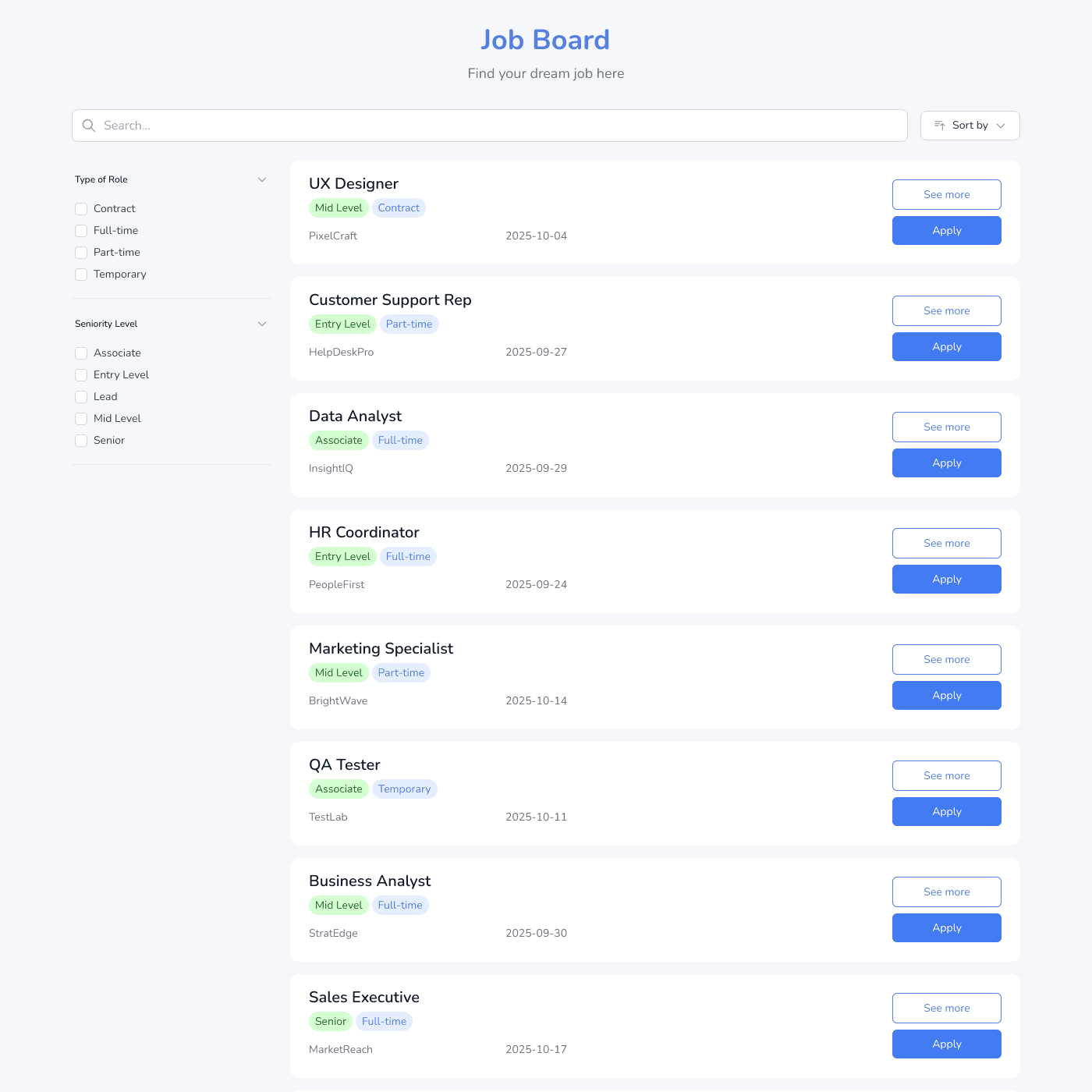
Display job titles, descriptions, requirements, salary ranges, and application links beautifully. Each job gets its own detail page with full information to help candidates understand the role.
Match Your Employer Brand
Fully customizable design options let you match your brand with custom fonts, colors, and styling. Show the fields that matter—salary, location, department, or job type. No CSS required.
Easy Job Management
Update your spreadsheet and changes appear instantly. Post new jobs, close filled positions, or update descriptions—no republishing needed. Perfect for fast-growing teams with frequent hiring needs.
Embed on Any Website
Works with any website builder including Webflow, Squarespace, WordPress, Wix, and more. Built-in search and filtering help candidates find relevant opportunities by department, location, or job type.
Real-time Data Sync
Your job board widget stays perfectly in sync with your data source. Update your Airtable or Google Sheets and see changes reflected instantly on your website.
- Automatic sync every few seconds
- No manual republishing required
- Works with Airtable and Google Sheets
Live sync illustration
Feature FAQs
Yes, customize button text, colors, and link to any URL—your ATS, email, or application form.