
Pricing Comparison Widget Features
Discover what makes our pricing comparison widget powerful and easy to use for your website.
Why teams love Pricing Comparison Widget
Everything you need to create a professional widget powered by your spreadsheet data.
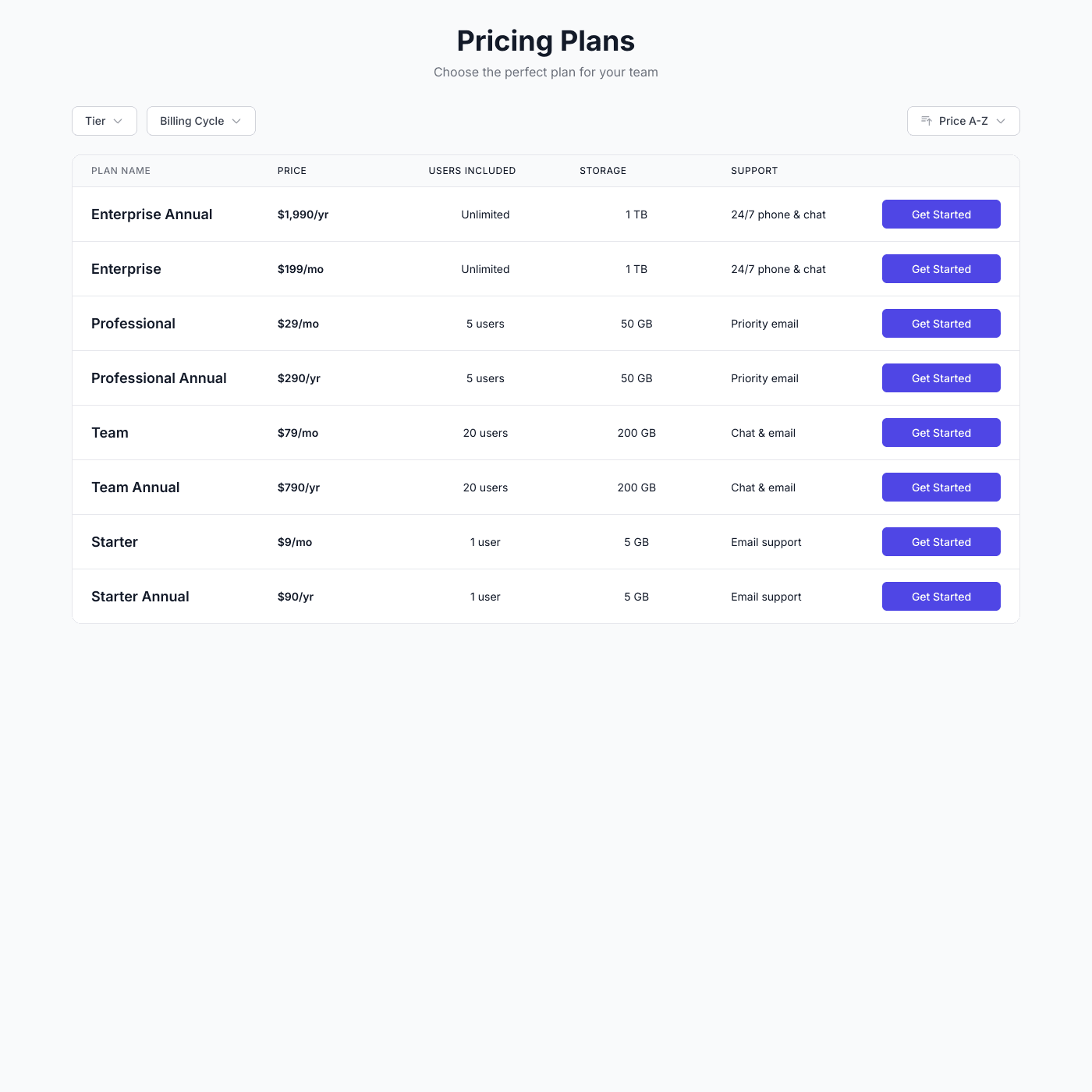
Use Airtable or Google Sheets for Your Pricing
No need to edit code every time you change pricing. Simply connect your Airtable base or Google Sheet and your pricing table is ready. Update prices, add features, or launch new plans from the spreadsheet you already know.
Professional Pricing Displays
Display plans side-by-side with features, pricing, and call-to-action buttons. Highlight popular plans, show feature checkmarks, and let customers toggle between monthly and yearly billing.
Match Your Brand Perfectly
Fully customizable design options let you match your brand with custom fonts, colors, and styling. Choose from cards, tables, or toggle layouts to display your pricing exactly how you want.
Easy Pricing Management
Update your spreadsheet and changes appear instantly. Adjust prices, add features, or launch promotions—no developer needed. Perfect for teams who need to iterate on pricing quickly.
Embed on Any Website
Works with any website builder including Webflow, Squarespace, WordPress, Wix, and more. Link directly to Stripe, Paddle, or any checkout system. Looks great on any device.
Real-time Data Sync
Your pricing comparison widget stays perfectly in sync with your data source. Update your Airtable or Google Sheets and see changes reflected instantly on your website.
- Automatic sync every few seconds
- No manual republishing required
- Works with Airtable and Google Sheets
Live sync illustration
Feature FAQs
Simply add new rows to your spreadsheet for each feature. The comparison table updates automatically.
Absolutely! Display specific limits, unlimited badges, or any custom text for each feature and plan.
Yes, customize button text, colors, and links for each plan.